








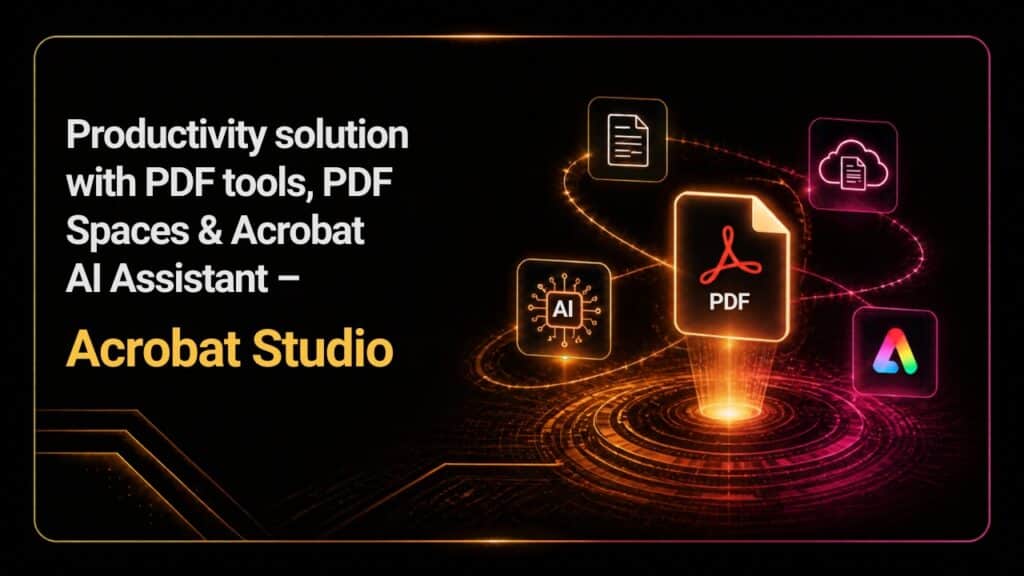
Productivity solution with a complete set of PDF tools, PDF Spaces, Acrobat Al Assistant and Adobe Express Premium – Acrobat Studio

Acrobat Studio has quickly become the go-to solution for people who need to work with PDF tools. Having access to those tools is amazing, and it can indeed offer you the value and quality that you need. And since most companies need to work with PDF files these days, it makes sense to harness the power of Acrobat Studio. It’s effective, it has a great AI assistant and you can also get integration with Express Premium, too. That makes it a game-changer, especially if you also need features like PDF spaces, among many others.
It’s a great feature for Acrobat Studio because it’s a workspace built around a collection of sources. What it does is it transforms collections of websites and files into conversational knowledge hubs. You don’t have to open many documents at a time and hunt for a specific paragraph. You just put them all in a single space and then ask questions. The app will automatically search through everything.
Additionally, a space can hold up to 100 files at a time, and they even support more than just PDF files, which is great. You can easily mix file types, such as Office files, spreadsheets, articles, reports, contracts and so on. Basically, this is great for the research projects, client folders and a whole bunch of other things. Having the option to have a complex workspace like this is excellent, and it can definitely become a game-changer in most situations.
What’s interesting with Acrobat Studio is the fact that it integrates AI assistants in a rather powerful and effective manner. You have pre-built roles for the AI, such as analyst, entertainer, instructor and so on. Plus, you can start your own custom assistant. Needless to say, when you work with PDF files, assistance might sometimes be necessary. And this approach is totally something that will help you get past a lot of potential issues or challenges, so keep that in mind.
If you need to work with contracts, those are usually dense and complex. Acrobat Studio can help you get past any issues, and they even summarize the content in plain language, if you want. It can even summarize scanned content. That means older contracts can be processed without any issue, which will help save a huge amount of effort and time.
It’s nice to see that Acrobat Studio gives you access to the amazing Acrobat Pro toolkit. And that can be features like editing text, merging, splitting and compressing files, converting content, scanning paper documents, creating and filling forms, e-signing features, password protection, redaction and so on. Having access to all these tools is excellent, and it can definitely give you the outcome you want when working with PDF files.
Generative AI is something that Adobe takes very seriously, and Acrobat Studio gives you access to Express and Premium, their AI products which can be extremely useful. It’s a great option to consider if you require this type of features, and it can definitely give you the edge when it comes to working on a variety of project types. Used rightfully, this can be a solid productivity solution, and one that helps push the experience to the next level.
Naturally, it always depends on the work you do, yet a lot of people can benefit from Acrobat Studio. Those can be legal and finance professionals, students, researchers, as well as sales and marketing teams, consultants and agencies, operations, training teams, HR teams, and even small businesses. In general, if you require any PDF tools, then Acrobat Studio gives you pretty much everything you need.
When it comes to prices, this is not that expensive, and it’s around $14.99 for Standard, $19.99 for Pro, etc. It’s a good idea to check all the features and see which ones work for you, but the ROI can be excellent, and that’s what sets it aside, so keep it in mind. Acrobat Studio does have some limitations, like geographic availability, the software weight that the Adobe suite has on the computer, AI features not being the best out there, etc. But still, if you want to work with PDF files, it’s one of the top solutions out there.
There’s no denying that Acrobat Studio is a great option to consider if you’re serious about PDF work. And the best part is that it gives you an excellent ROI, along with a true focus on quality. Plus, if you want to buy Acrobat Studio online in India, you can do that via Dolphin Computers as we are here to assist!