













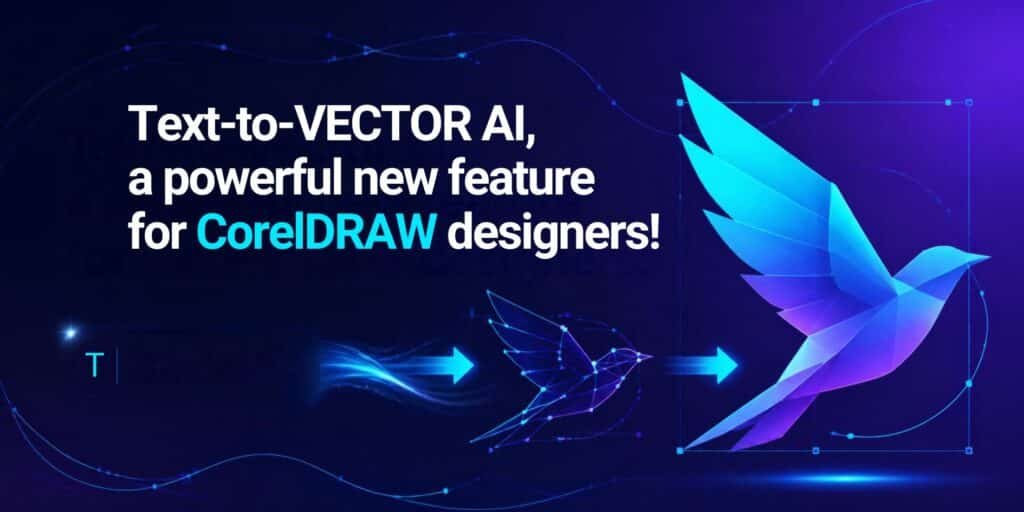
Text-to-vector AI, a powerful new feature for CorelDRAW designers!

One of the most challenging things when it comes to CorelDRAW is that doing text to vector work is never very simple. A new feature called text to vector AI is enhancing CorelDRAW’s ability to push the boundaries and provide clients with a cohesive, easy to use system. With that being said, it’s a good idea to learn more about this feature, what it can do for you, and the ROI that you can get from it.
It’s a nifty feature because it allows you to describe an image with words, and then you receive the vector artwork back. It’s basically very similar to AI image generators, but in this case, you get vector graphics and not bitmaps. Which is handy, as it gives you an excellent array of solutions and great fills, so you can easily adjust every single element to your own leisure.
Corel states that the system is able to generate scalable graphics using genuine shapes, fills and paths instead of just a flattened output. And that’s helpful, since you can easily edit the result, resize and recolor everything to deliver excellent value.
You can access this feature within CorelDRAW, and it’s a rather familiar solution for you to check out. Basically, it works using the following steps:
At its core, CorelDRAW gives you access to 3 vector focused models, the Vector Spark, Craft and Master. Each one is designed to be used for different levels of vector complexity, so it’s imperative for you to see what works and which option is the best one.
Styles also matter here, and you get Kawaii pastel, Flat Illustration, hand Drawn, Icon, Comic Book and Line Art. Honestly, there are quite a lot of styles to be had here, and it’s always a very good idea to understand what option is ideal, and then pick it accordingly. Another thing to consider is that you have a practical detail which print-oriented designers will like. The generated results are respecting the color mode of the document, which means you get a better transition into the existing projects and the production workflow.
It’s always nice to be able to easily edit the generated output. Not every tool will give you that, so it actually makes a lot of sense to try and focus on using editable vector files. The output is easily suitable for graphic jobs of any size you want, which is a nice change of pace. Granted, it’s not perfect, hence the release is tagged as a workflow upgrade. It’s going to receive more refinement down the line, but in general, it’s a pretty interesting option to have.
Now the question is, what are the real use cases of this tool? A lot of people have already tested it for things like apparel and merchandise, which are obviously a very good pick. On top of that, you have signage and large-format print, which is yet another excellent option to keep in mind here.
And yes, you can also generate icon sets and interface graphics, as the tool can give you some much-needed consistency. Some users also tried to use it for creating client concepts, and also variations of existing work. Who knows, maybe you can generate a variation based on existing stuff that the client loves more, so it always comes in handy. And yes, it can be pretty impressive for a personal project and for teaching, too.
We recommend being specific when it comes to the subject, name the style deliberately and limit complexity for production work. You can also iterate, but do that in small steps and use references for brand work where possible. It’s going to be worth it.
There’s no denying that CorelDRAW’s new text-to-vector AI feature is going to help you streamline your work more effectively. And that’s why it’s a good idea to buy CorelDRAW online in India from Dolphin Computers, as it can give you the much-needed help and support when working on projects. It’s a useful solution for modern designers, even if it might take some getting used to.